
- See how much of the Bible you’ve explored, section by section.
- Find any verse you saved or question you asked.
- Set answer depth, theme and text size.
Your progress
A record of where you’ve been, not a score.
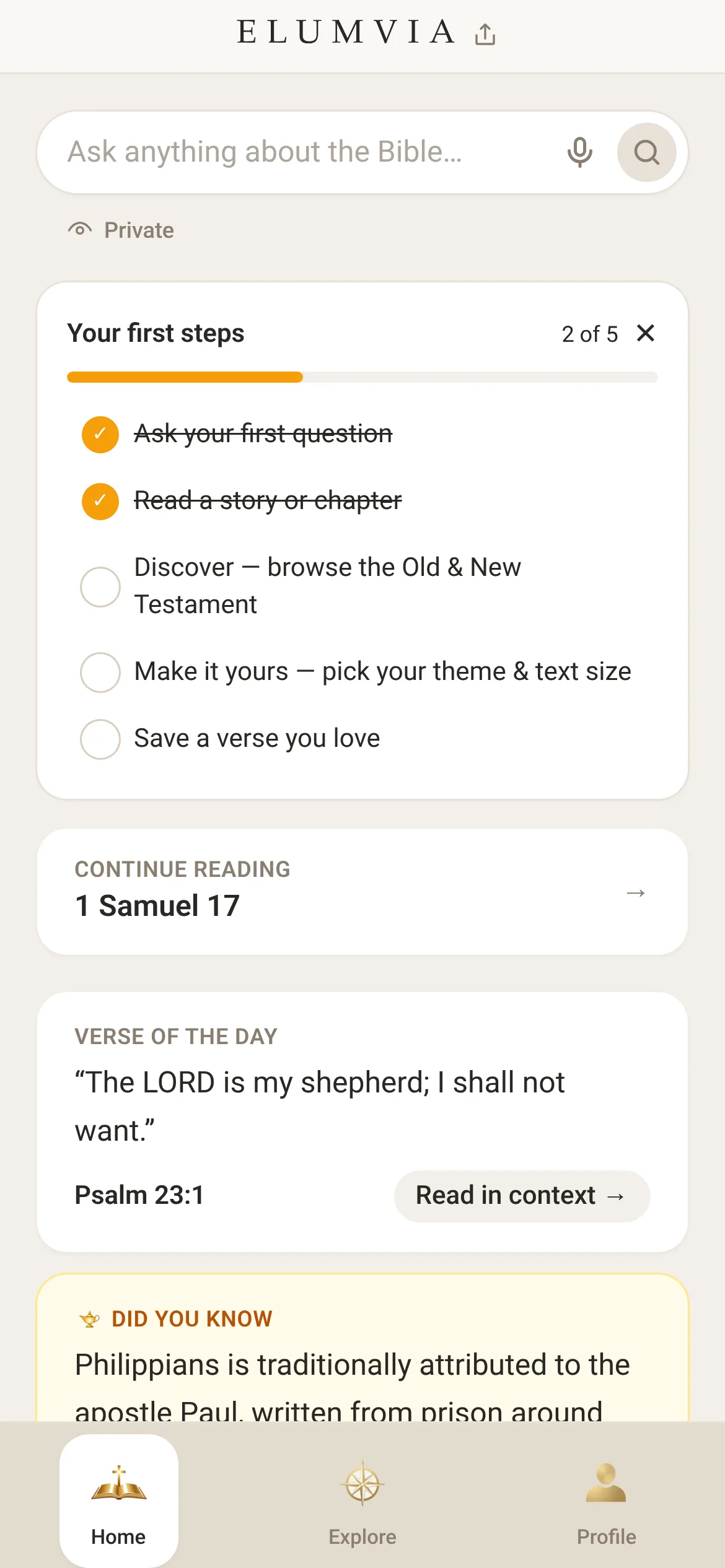
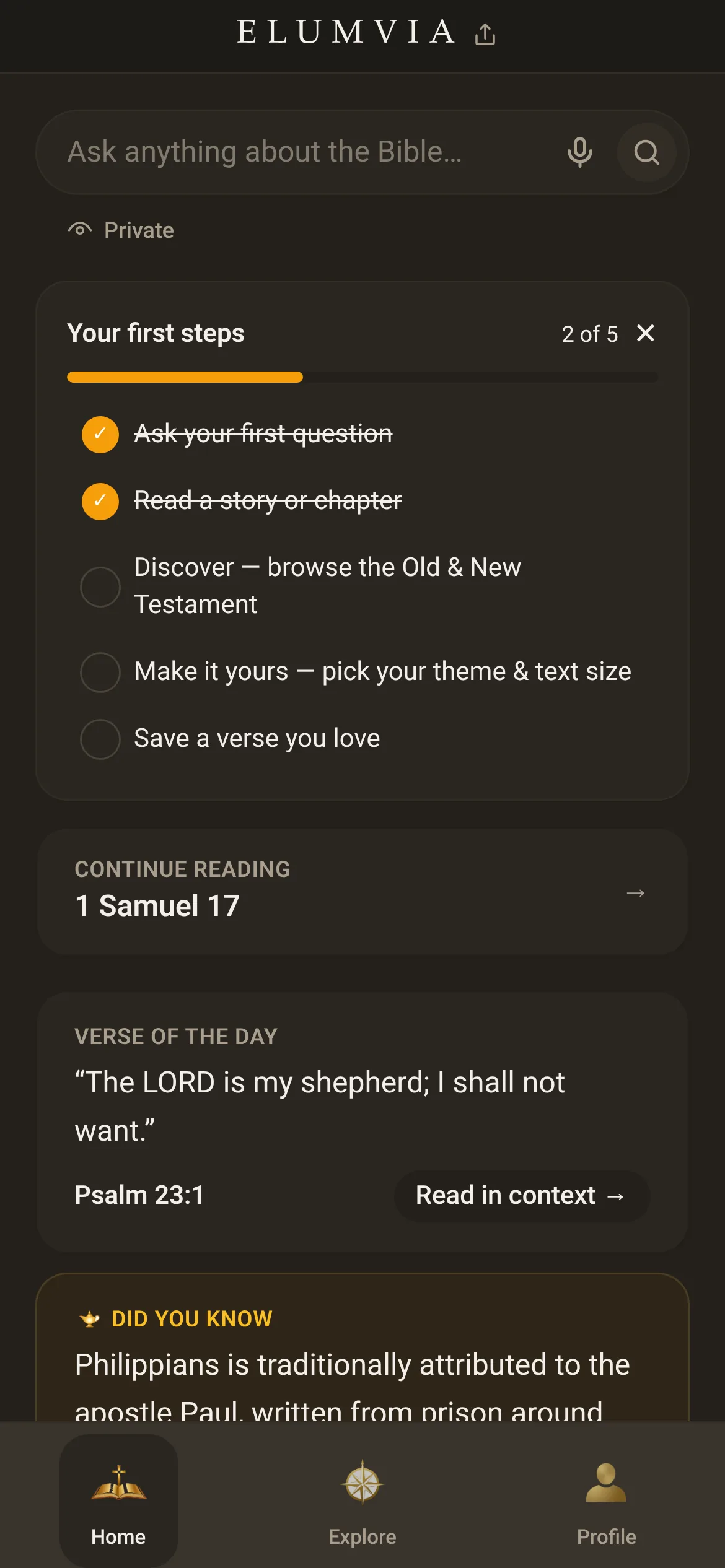
Open your profile
Select “Profile” at the bottom of the screen.
 1
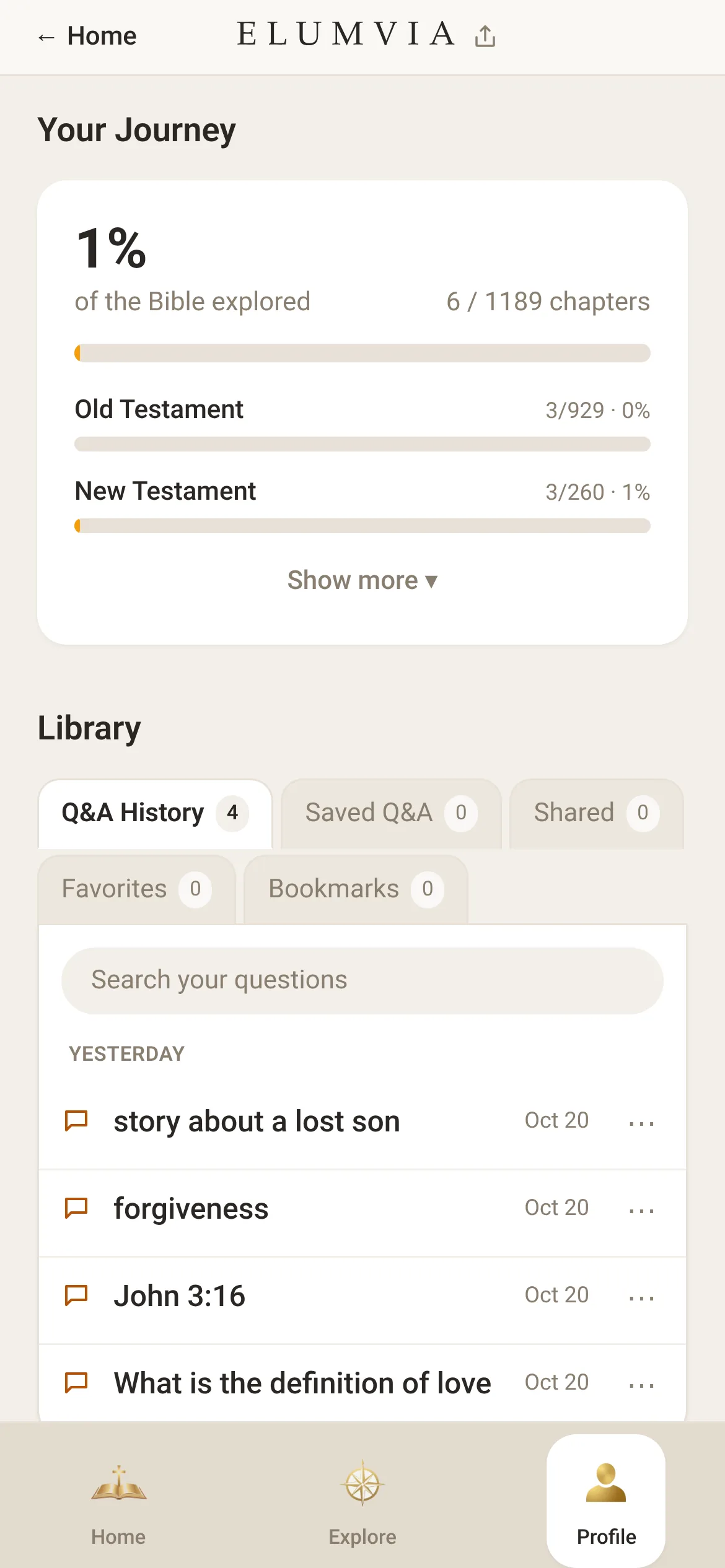
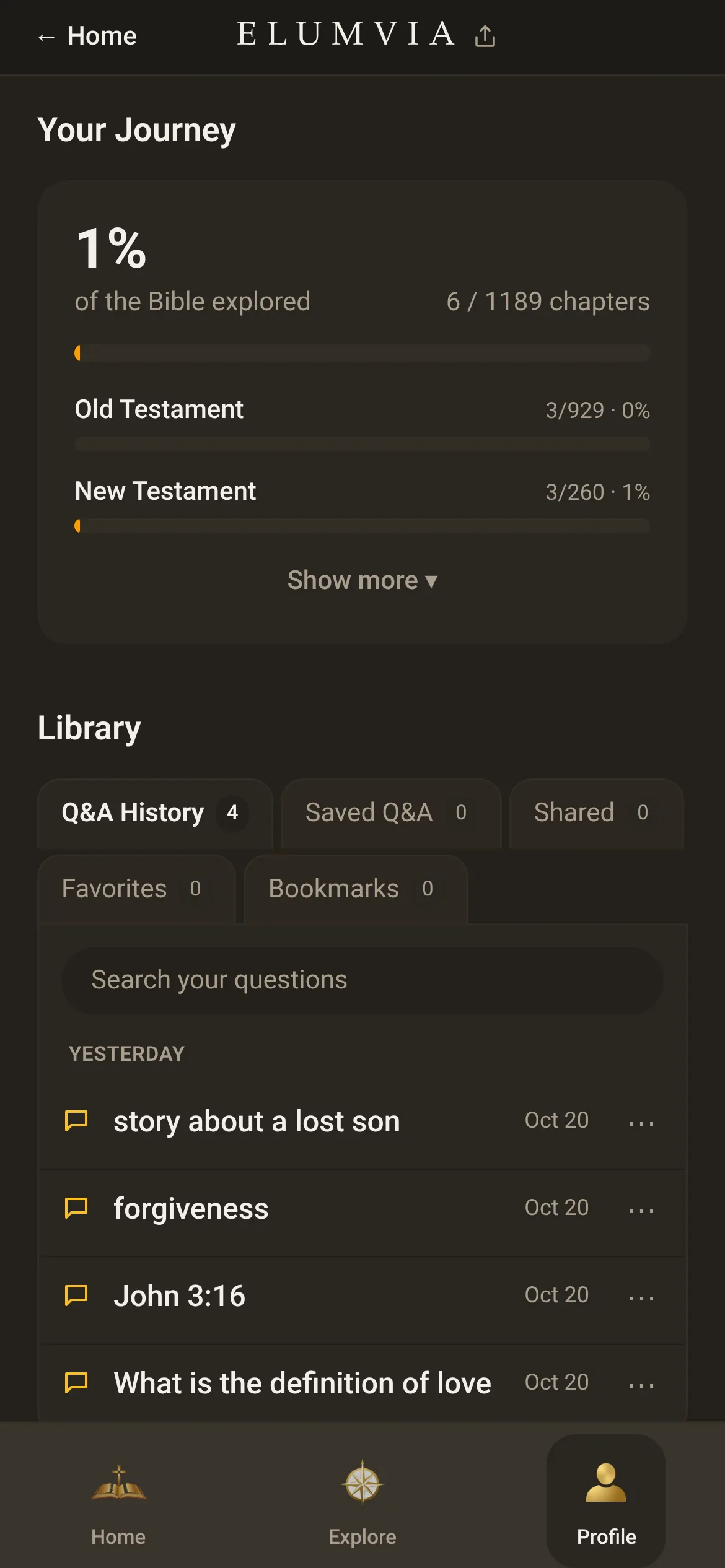
See your progress
Select “Show more” to see your progress by section.

Your Journey
 2
What you’ve saved
Every favorite and past question, in one place.
Find your favorites
Select “Favorites” to find the verses you saved.

Your Library
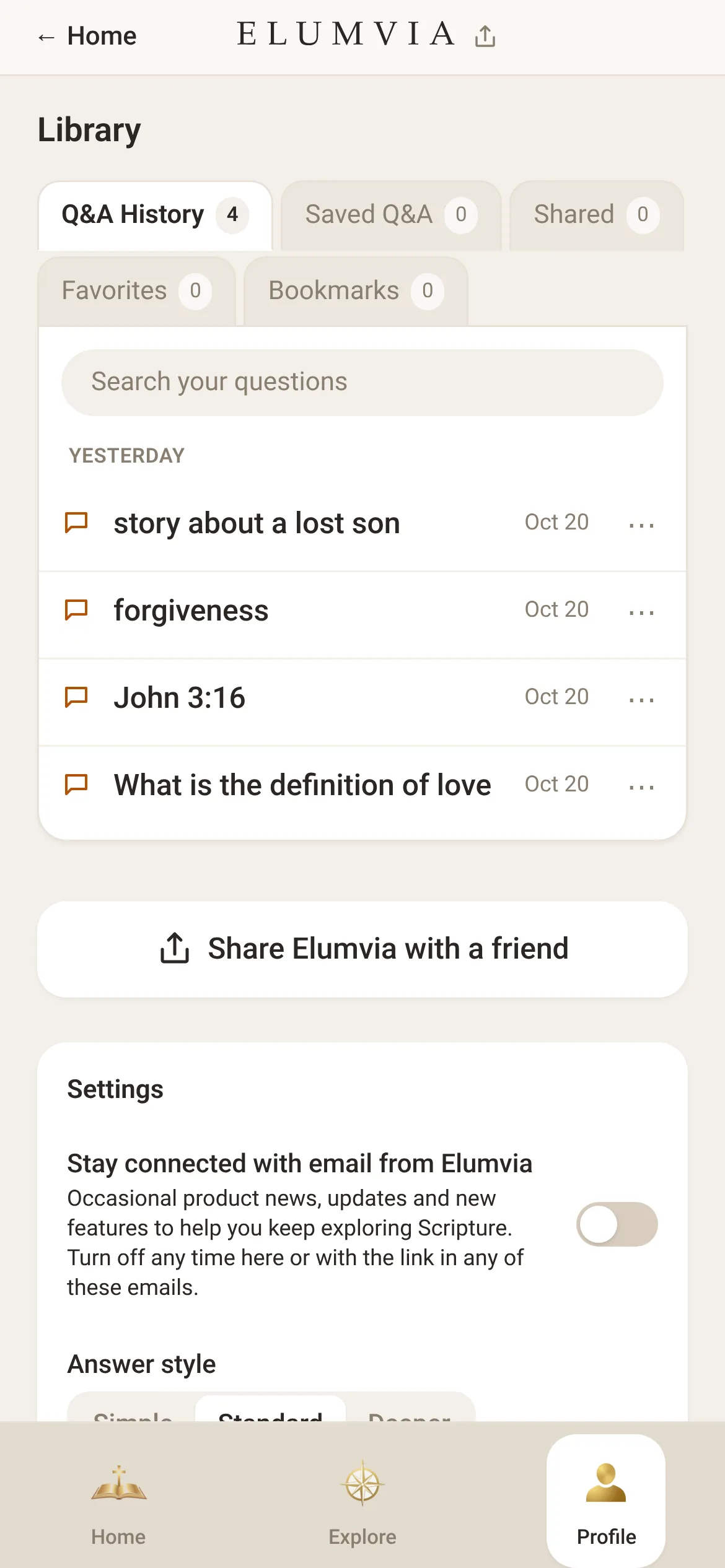
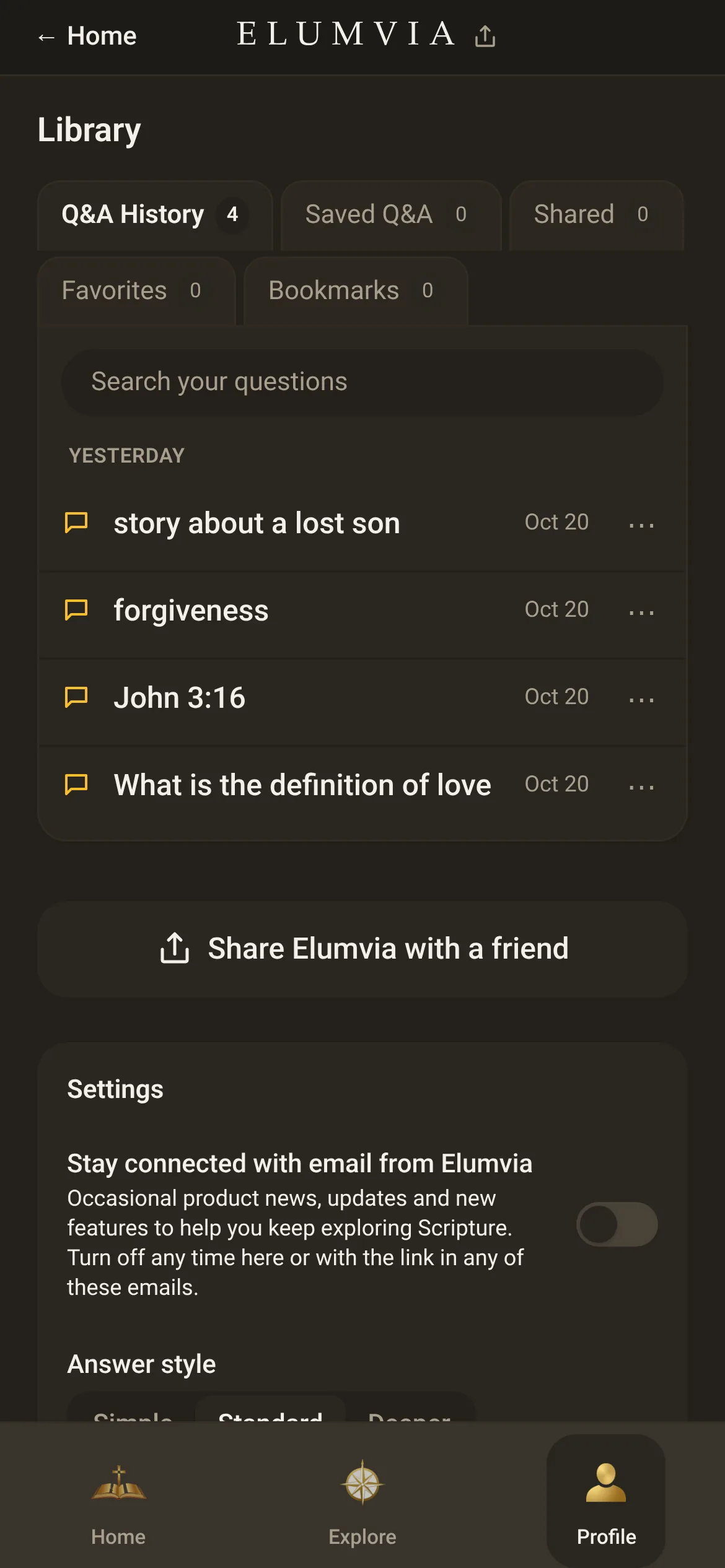
Search past questions
In “Q&A History”, select “Search your questions” to find a past question.

Find an old question
 34
Make it yours
Simple or deeper answers, light or dark, larger text.
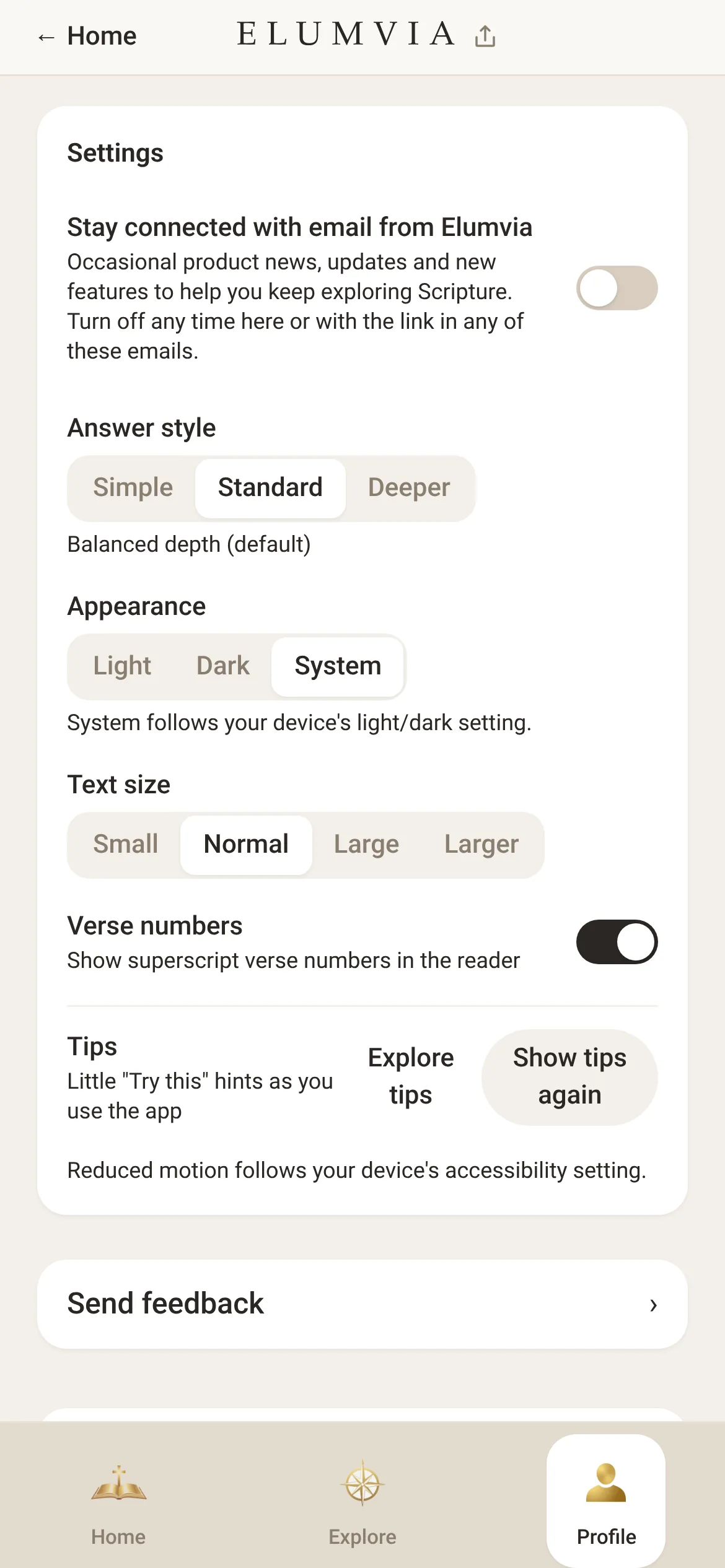
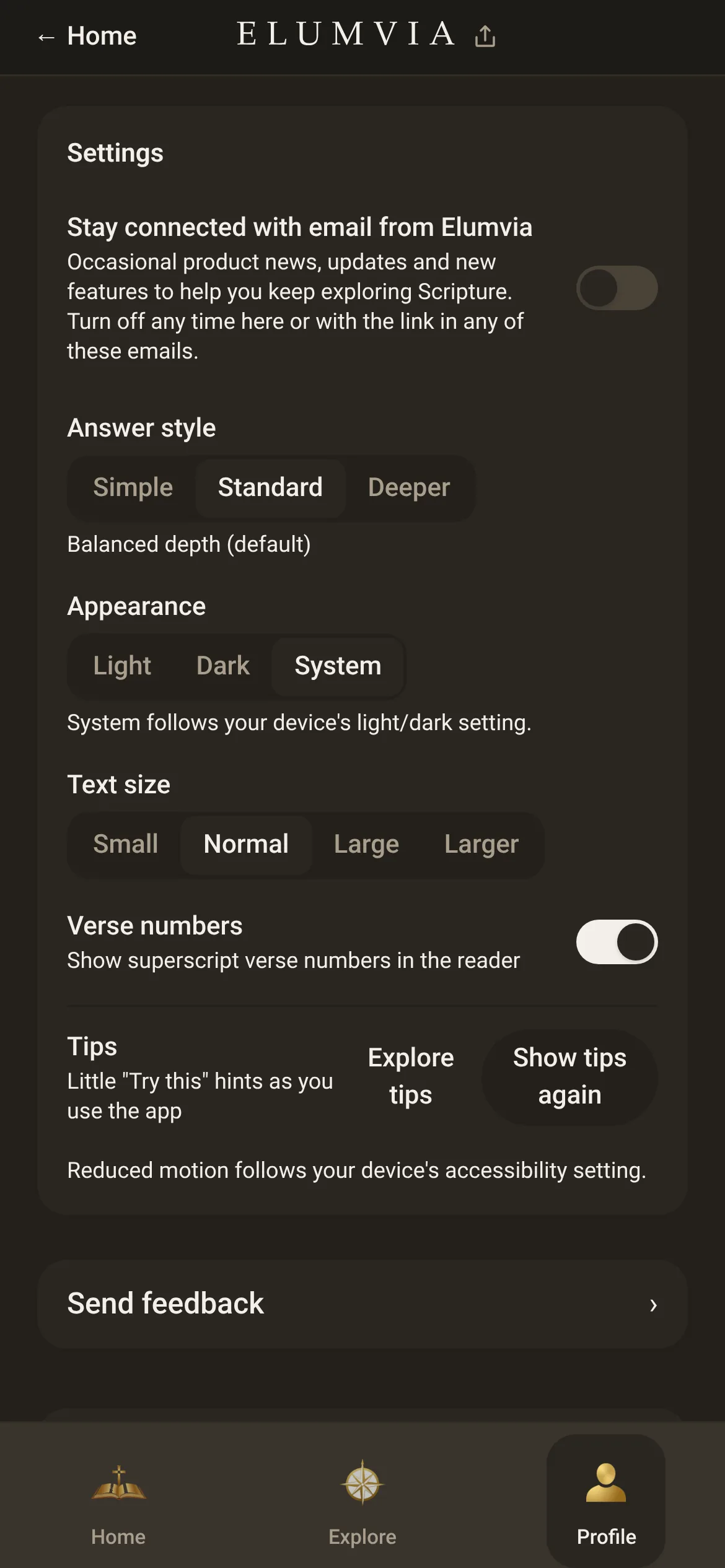
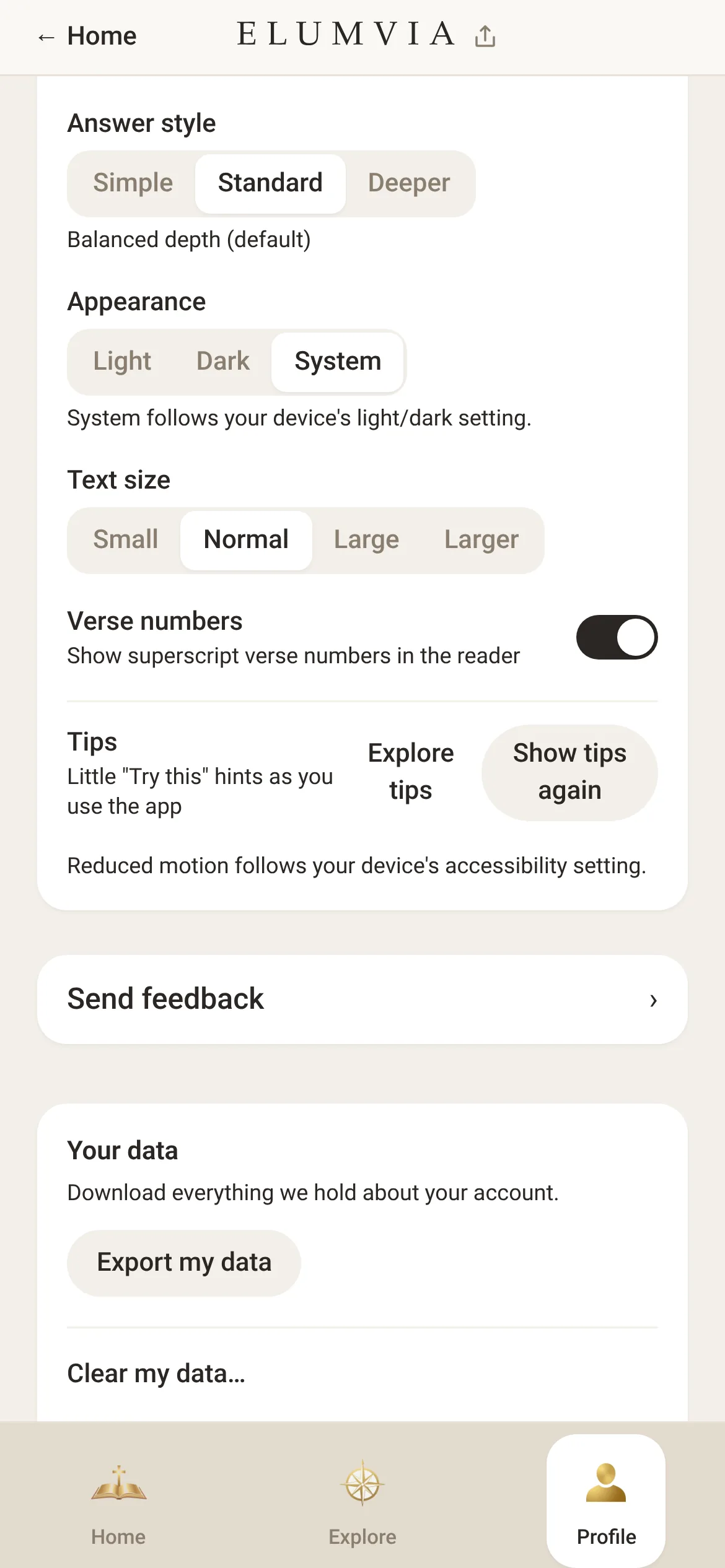
Set answer depth
Under “Answer style”, select “Simple”, “Standard” or “Deeper”.

Make it yours
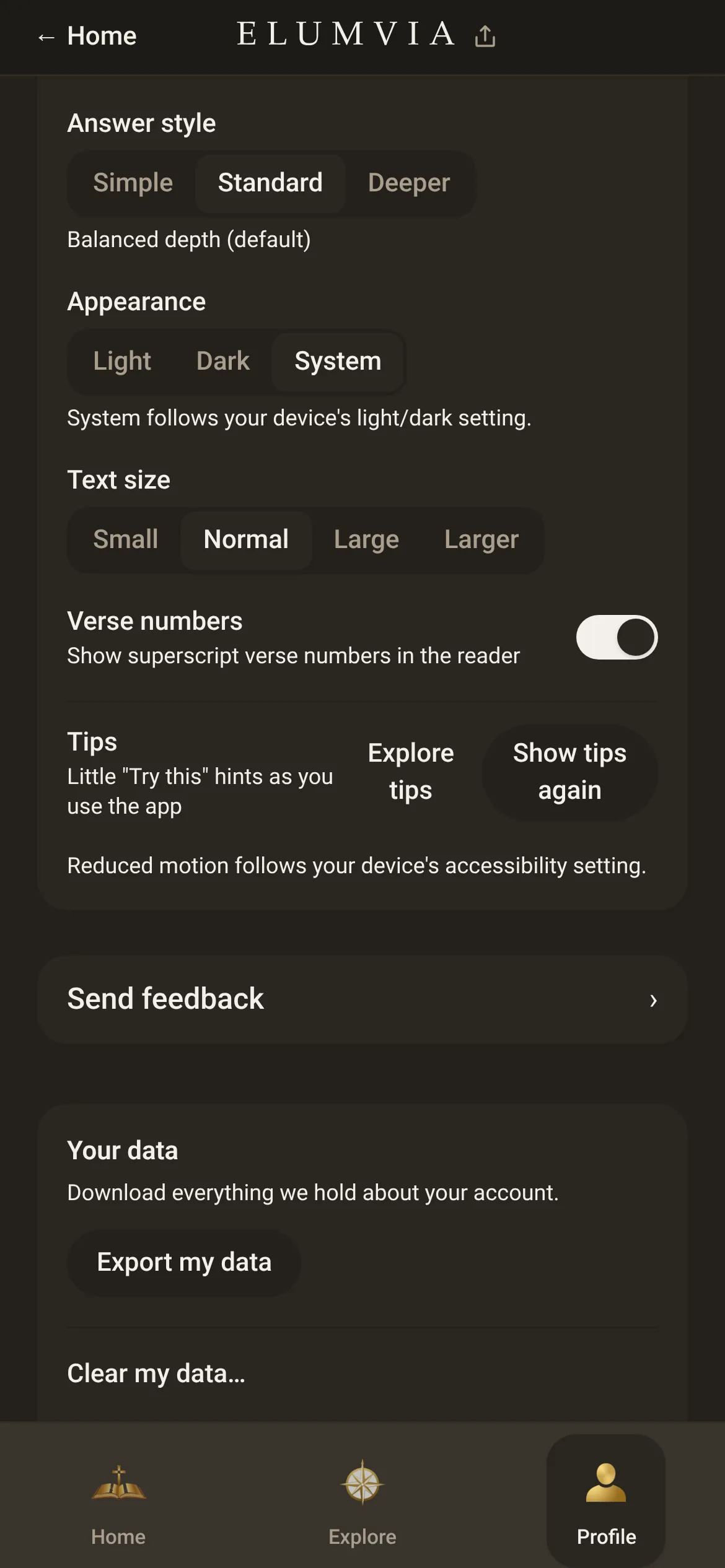
Choose light or dark
Under “Appearance”, select “Light”, “Dark” or “System” (follows your device).
Set the text size
Under “Text size”, select “Large” or “Larger” for larger text.
 567
Open the tips
Select “Explore tips” to see a list of tips.
 8
Your voice and your data
Tell us what to improve, and keep a copy of what’s yours.
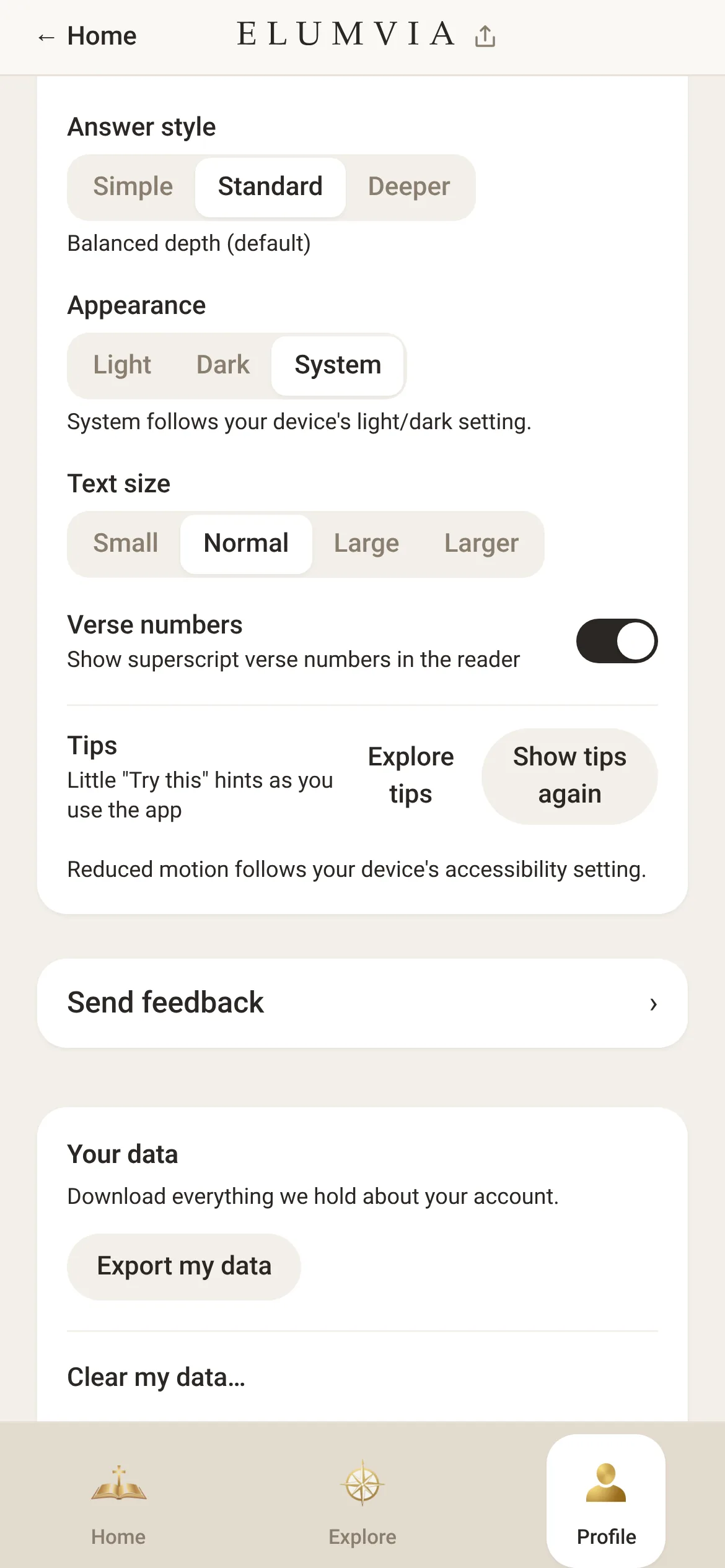
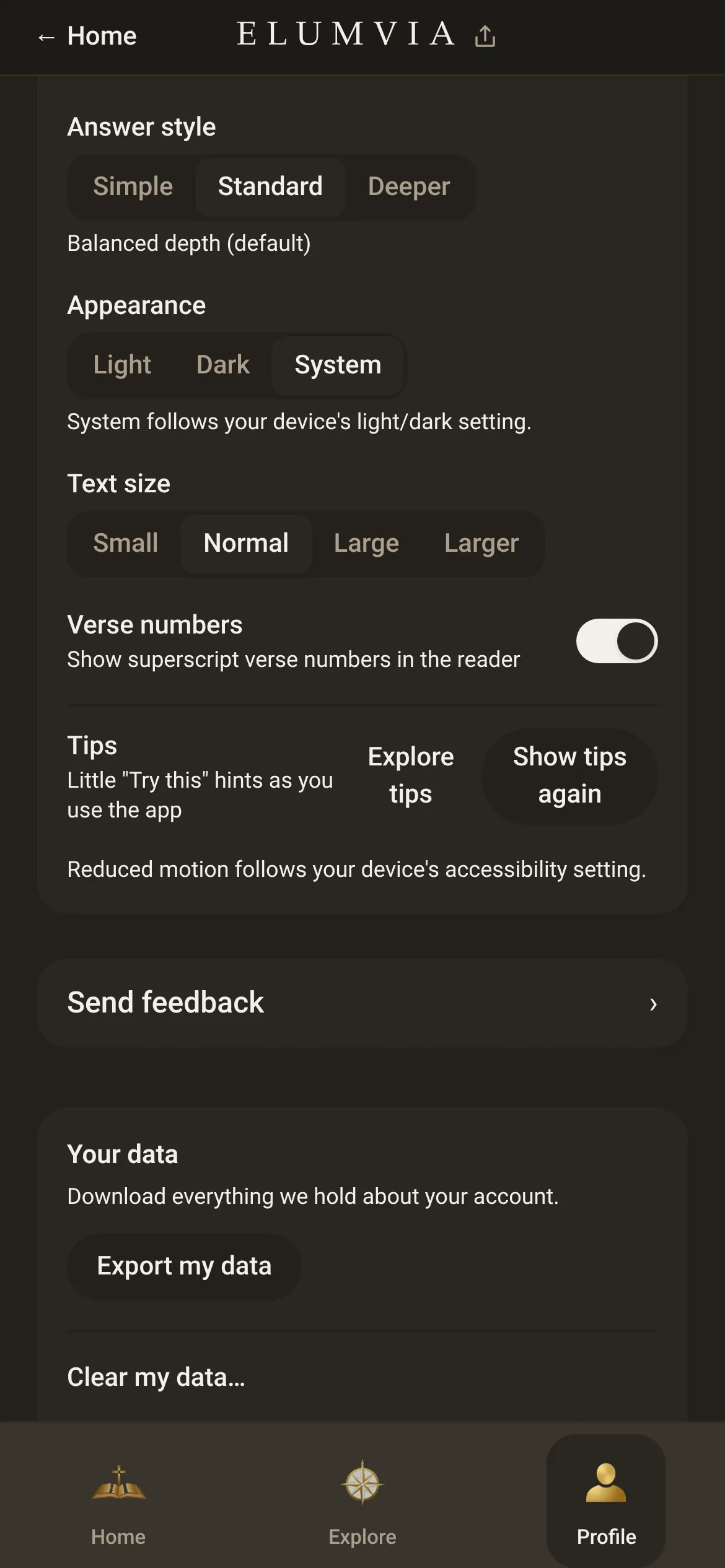
Send feedback
Select “Send feedback” to tell us what you think.

Send feedback
Export your data
Select “Export my data” to save a copy of your data.
 910