
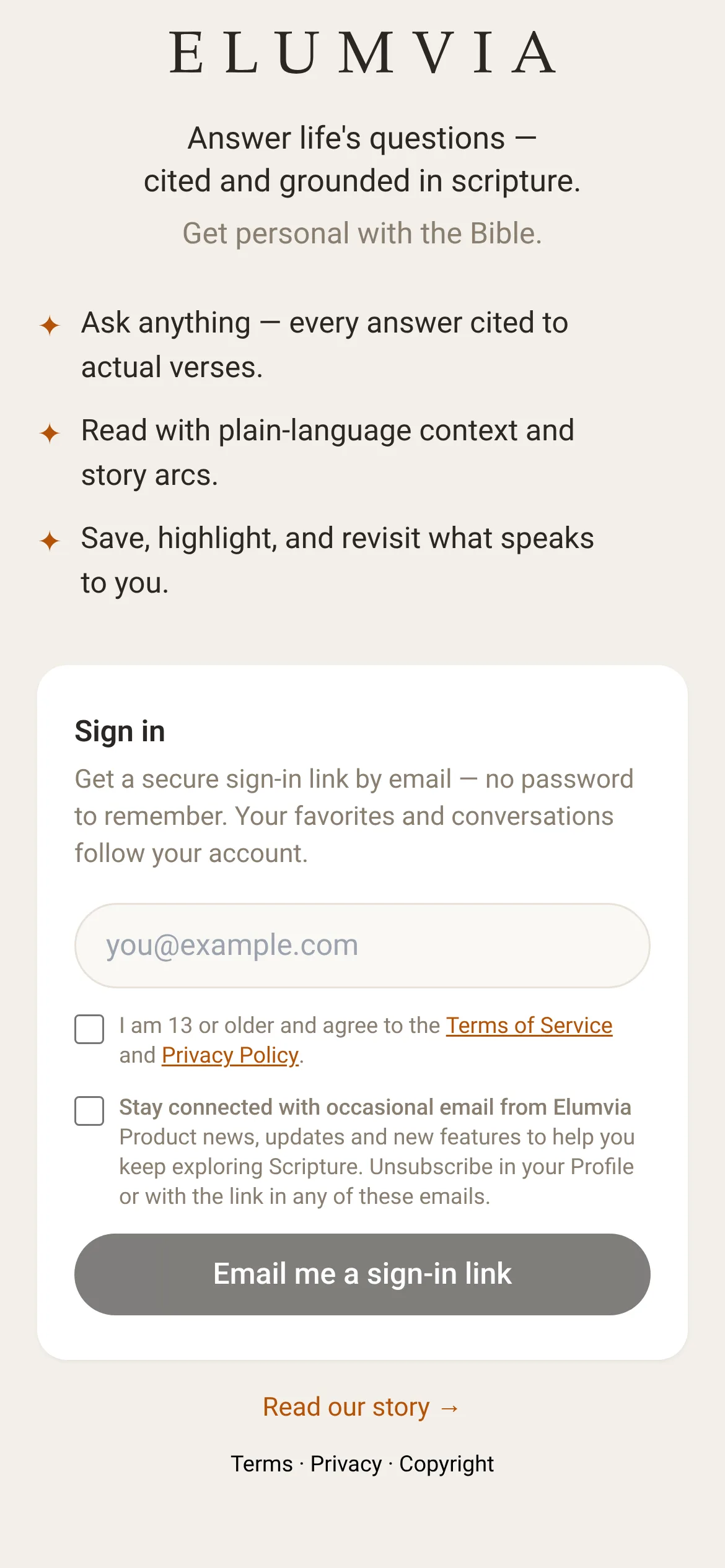
- Sign in with just your email. No password.
- Ask your first question, the way you’d ask a friend.
- Finish your five first steps and you’ll know your way around.
STEP 1
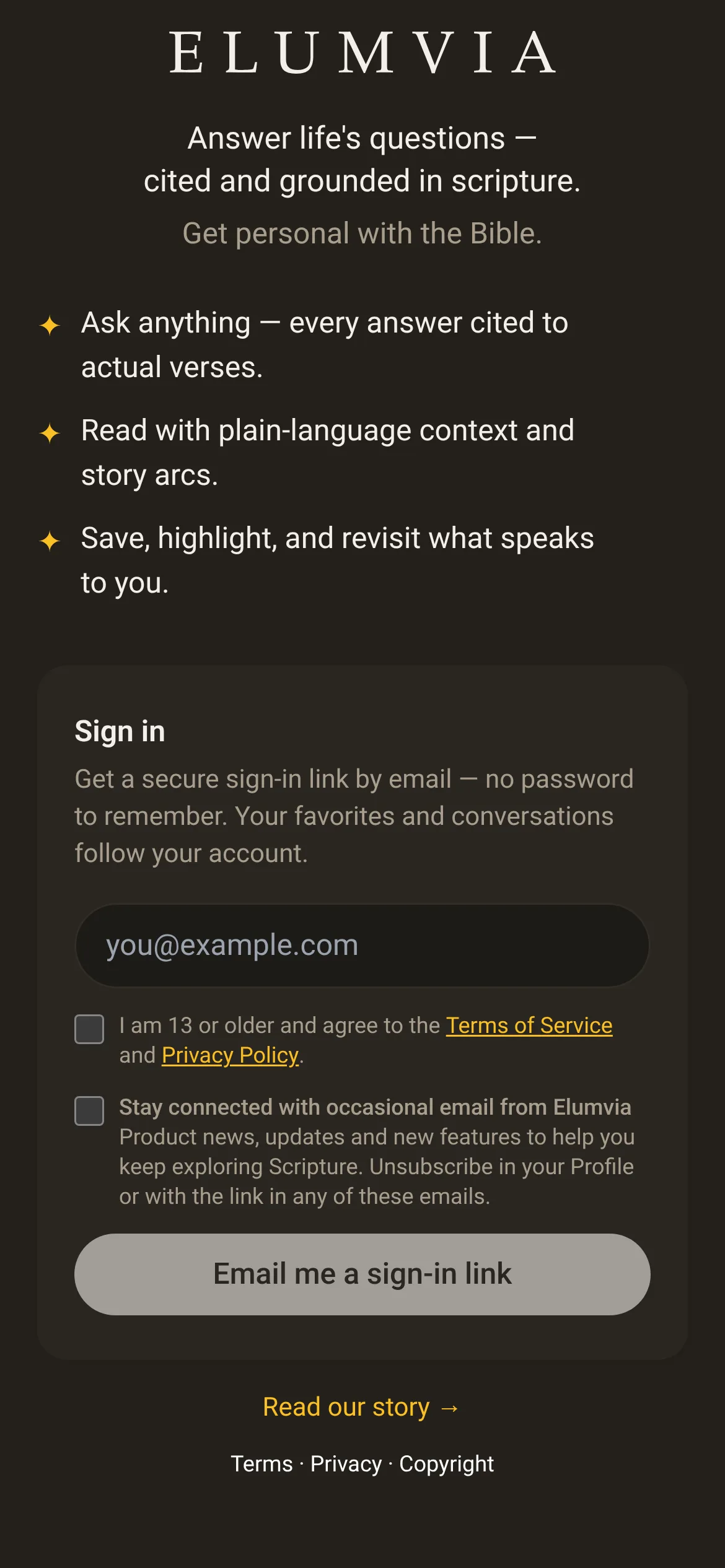
Enter your email
No password needed.
STEP 2
Confirm you’re 13 or older
Then agree to the Terms. The second box, “Stay connected…”, is optional. You can change it later in Your Profile.
STEP 3
Select “Email me a sign-in link”
 123
STEP 4
Open the link in your email
Look for “Your Elumvia sign-in link”, select the link, then “Sign in”. It works for 15 minutes. If you can’t find it, check Junk or Spam.
STEP 5
Skip the welcome screen
If you see it, select the button to go to Home.
STEP 6
Ask in your own words
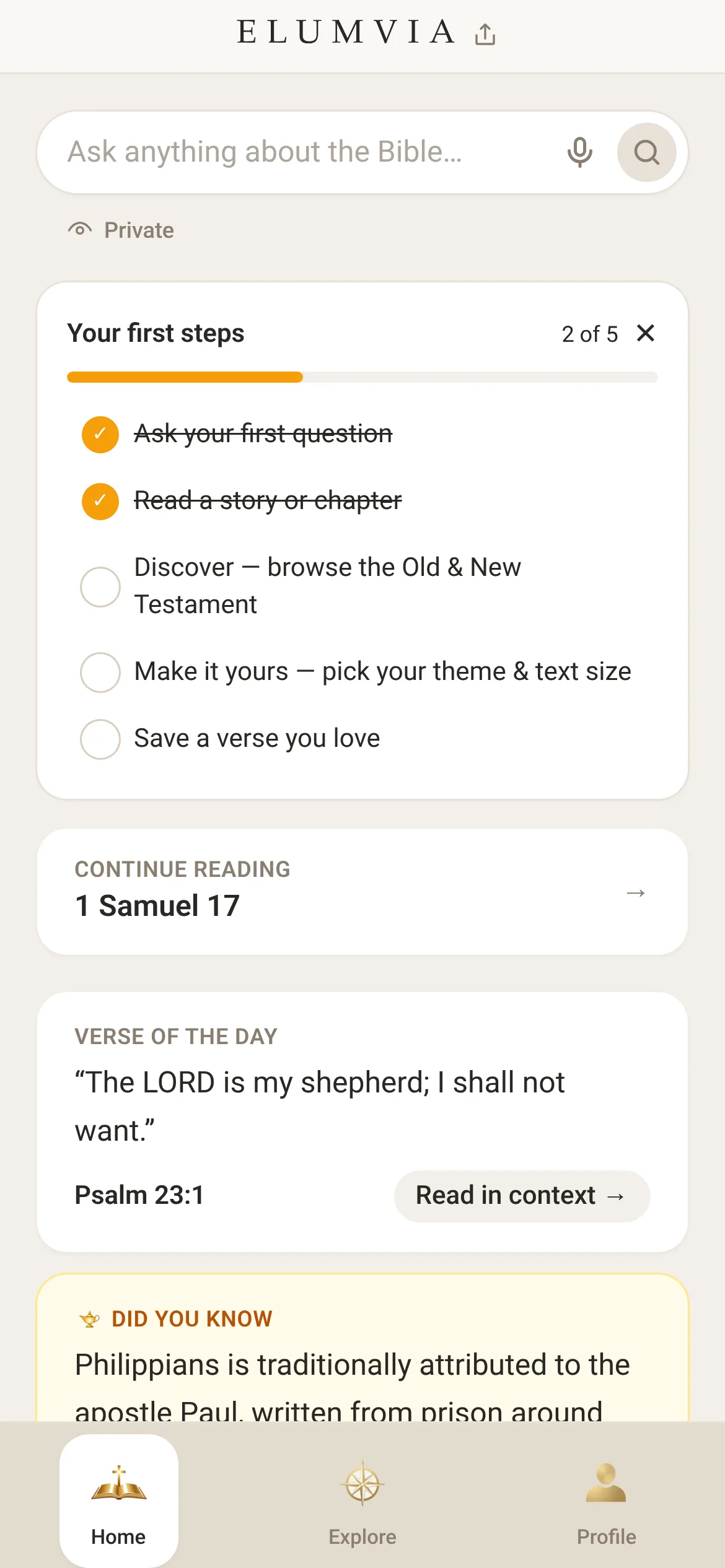
Use the box at the top of Home: “Ask anything about the Bible…”

Ask your first question
STEP 7
Get your answer
Select the round magnifying-glass button. In a moment you’ll see an answer with every verse cited.
STEP 8
Finish your first steps
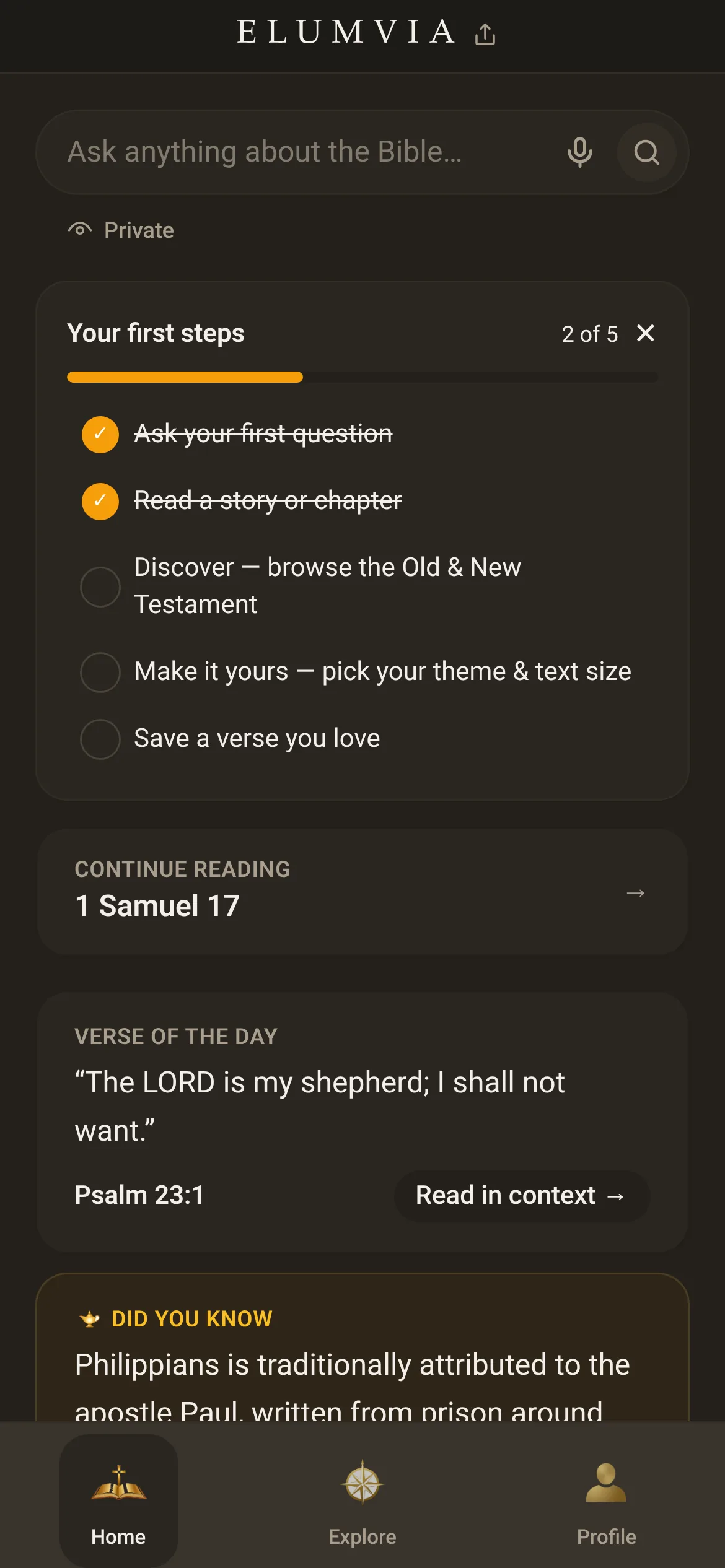
The “Your first steps” card on Home walks you through 5 quick tasks.
 678